
Getting Started
Logging In
To access the KDE, please follow the steps below:
In your web browser application enter the address https://fdw.fews.net/
The system displays the
Welcome to the {{ ORG_NAME} } Data Explorerpage as shown below.
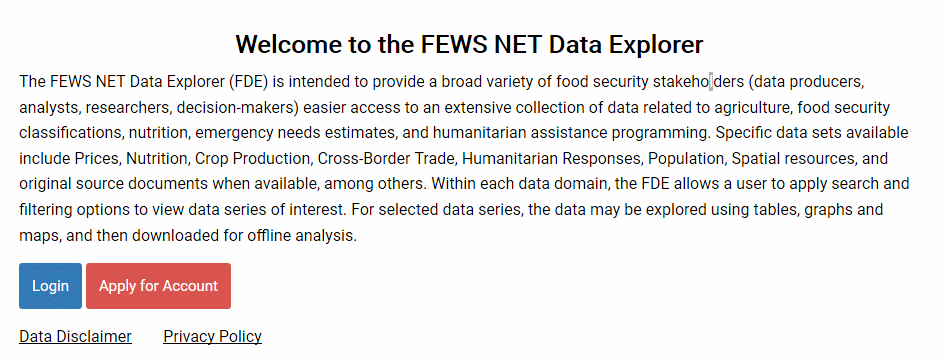
Fig.: KDE Welcome page
If you already have a user account in the system, click on the
Loginbutton.The sign-in page will be shown as below:
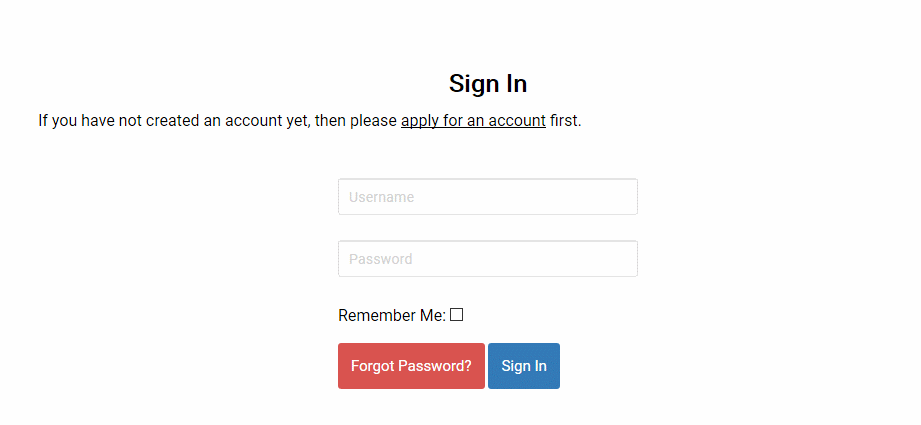
Fig.: KDE Login page
Please enter your username and password and click on the ‘Sign In’ button to login in to FDE. If your username and password is correct, the system will display the the Welcome screen shown below:
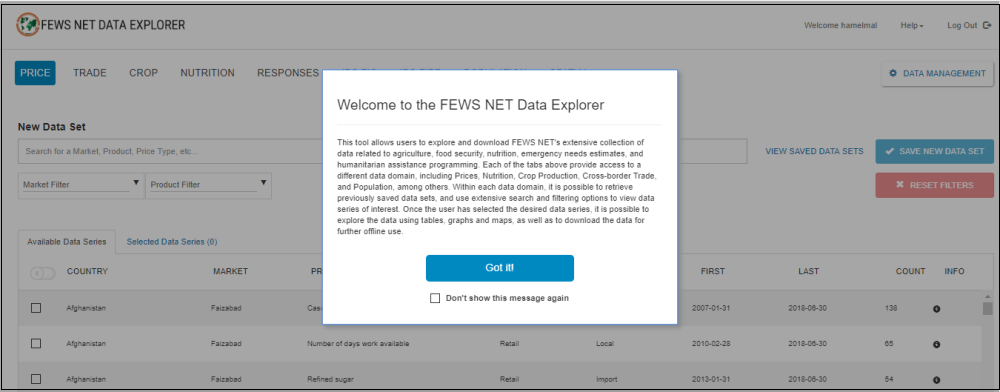
Fig.: Welcome screen