
Searching of Data
Once can search for a specific spatial data from the list available in the system.To search for the specific spatial data, one can use any of the column information (i.e Country, Unit Type,Data Source, etc.) displayed on the header of the data domain.
In order to search for the specific data, enter the search term on the search text box and the search results will pop-up automatically .From the search result displayed, one can download the shape file by clicking the button under the Download column.
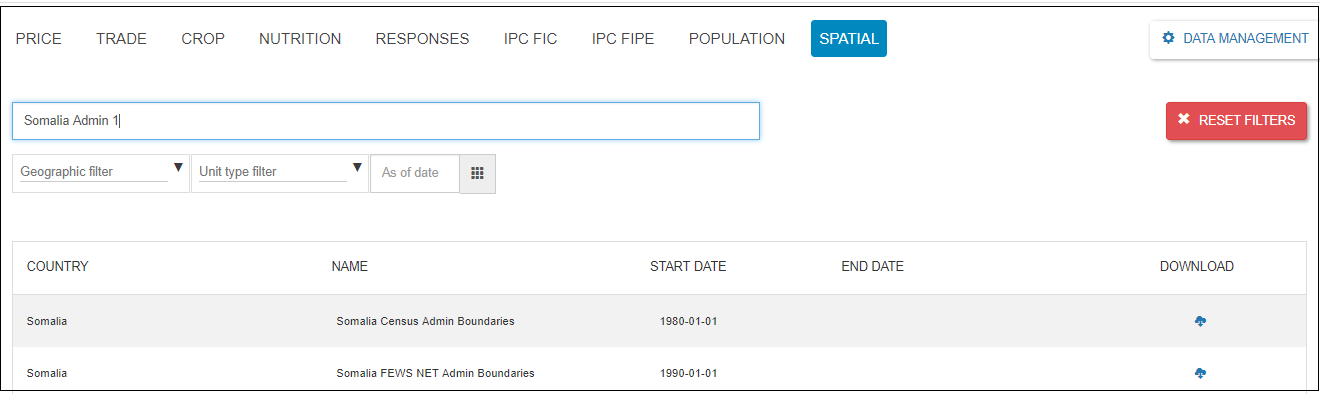
Figure: Data searching & display screen
One can click the RESET ALL button to clear the search term from the search text box of the data domain.