
First Time Login
To set up your account, contact the Data Warehouse User Administrator at FEWSITADMIN@fews.net. You will receive a username and a temporary password. After logging in, you can change your password by accessing the Welcome drop-down menu on the top navigation bar.
To set up your account, please contact the Data Warehouse User Administrator at FEWSITADMIN@fews.net.
You will receive a username and a temporary password to be able login into the system.
Navigate to the URL https://fdw.fews.net/en/ into your web browser
Enter your username – as created for you by the System Administrator.
Enter your password – as emailed to you by the system during account creation
Click on the Log in button
The system will load the admin home page listing the areas you have been authorized for.
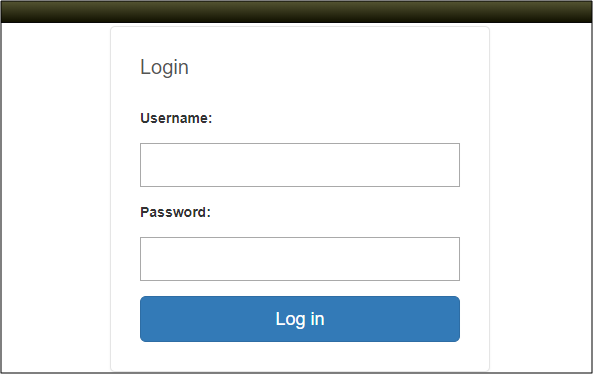
Fig: Log in screen
After logging in, you can change your password by accessing the Welcome drop-down menu on the top navigation bar.