
Home Page Menu and Actions
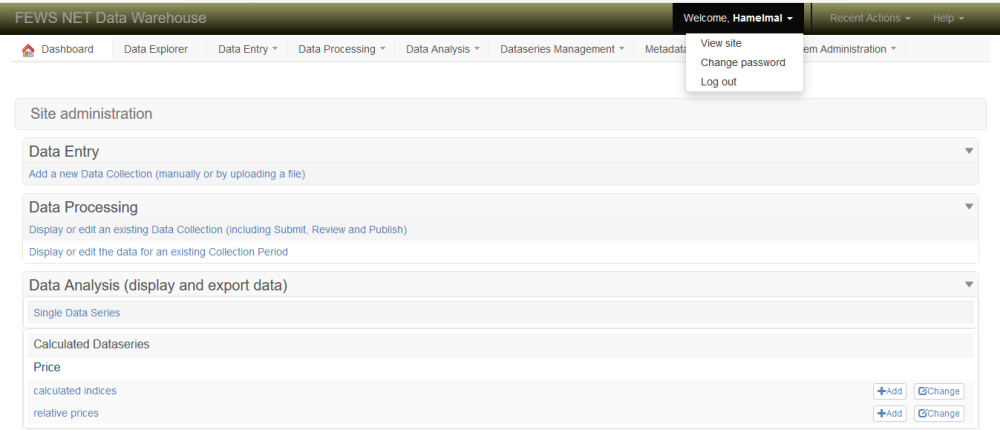
After logging into the Data Warehouse, you will arrive at the Homepage where you will see a list of categories you can select for analyzing, changing or adding data. You can always access the Homepage by clicking on the word Dashboard in the top navigation bar of any page on the website. The top navigation bar on each page has the same drop-down menus as the Homepage. There are three drop-down menus on the top right side of the screen.
Welcome menu for changing your password or logging off.
Recent actions displays a list of all the recent actions/updates done
Help menu for selecting tips and tricks on how to use FDW and the solutions to problems commonly encountered
Home page drop-down lists:
Welcome
View site
Change password
Logout
Recent actions
Help
User forums
User manual
Email support
Note: Each page in the Data Warehouse has sorting and filtering features located at the top, right side and bottom of pages.

Fig: Home Page Menu and Actions